

Run the deal room,not the sharing settings.
DekkoCORE gives a bank's deal team one end-to-end encrypted Hub per transaction. Bidders, advisers and lawyers see only what's shared with them and never see each other, the deal team controls access itself, and every view and download is recorded.
Round by round
One sale, from NDA to close.
Step through Project Harbour, a fictional sale with three bidders, and see which sections of the data room each one can open at every stage. Scroll, or drag the timetable.
Round 1 of 5 · NDA
Each bidder signs the NDA first.
The confidentiality agreement goes to each bidder as a signature request. Signers sign in before they can sign, and the deal team sees who has signed before opening anything else.
Round 2 of 5 · Phase 1
Indicative bids, on view-only access.
Bidders get the information memorandum and the first two sections View only, with an expiry at the indicative bid date. They can read in the secure viewer but can't download.
Round 3 of 5 · Phase 2
Two bidders go through. One doesn't.
Bidders A and B are shortlisted and see the full data room. Bidder C's shares are revoked, and their access ends straight away. None of them ever sees who else is bidding.
Round 4 of 5 · Clean team
Pricing data, for the clean team only.
Commercially sensitive pricing goes into its own folder, shared only with each bidder's named clean team advisers. Everyone else on the bidder side can see it exists, and nothing more.
Round 5 of 5 · Close
Signed, closed, and every share expired.
The sale agreement is signed in the browser by both sides. At close, outside access expires, the files stay with the bank, and the audit log shows every view and download along the way.
Shortlist after phase 1
Who sees whom
Inside the bank, everyone. Outside it, only the bank.
| Can see | Deal team | Bidder A | Bidder B | Bidder C |
|---|---|---|---|---|
| Deal team | · | Yes | Yes | Yes |
| Bidder A | Yes | · | No | No |
| Bidder B | Yes | No | · | No |
| Bidder C | Yes | No | No | · |
Inside the bankTeam Members
Deal team · Credit and risk · Legal and compliance · Executive sign-off
Team Members see everyone in the Hub and share with anyone in it. Hub admins on the deal team invite people and set their roles, within the bank's tenancy policies.
Outside the bankExternal Members
Bidders · Financial advisers · Law firms · Accountants
External Members see only the bank's Team Members, never each other, even when the same files are shared with them. With de-identified sharing on, they see a consistent alias for each bank employee instead of a name and email.
Protections
What your risk team will ask.
- Zero-knowledge, end to end
- Deal files are encrypted on the device that uploads them. DekkoSecure can't read them, and neither can anyone else outside the share.
- Hosted in-country
- DekkoCORE is hosted in Australia, the United States and Canada, and IRAP assessed for Australian government PROTECTED information.
- Sign-in you can enforce
- Enforce two-factor authentication or passkeys with hardware attestation for everyone in the tenancy, and single sign-on with Microsoft Entra ID for the bank's own staff.
- Hubs open only from where you allow
- Region protection is an IP-based allow-list for every Hub: a first line of defence, alongside sign-in.
- Logs into your SIEM
- Export the tenancy-wide audit log as CSV, or stream it to your Log Analytics workspace.
- Every upload scanned
- Cloud-based malware scanning over ICAP checks files from bidders and advisers as they arrive.
In the product
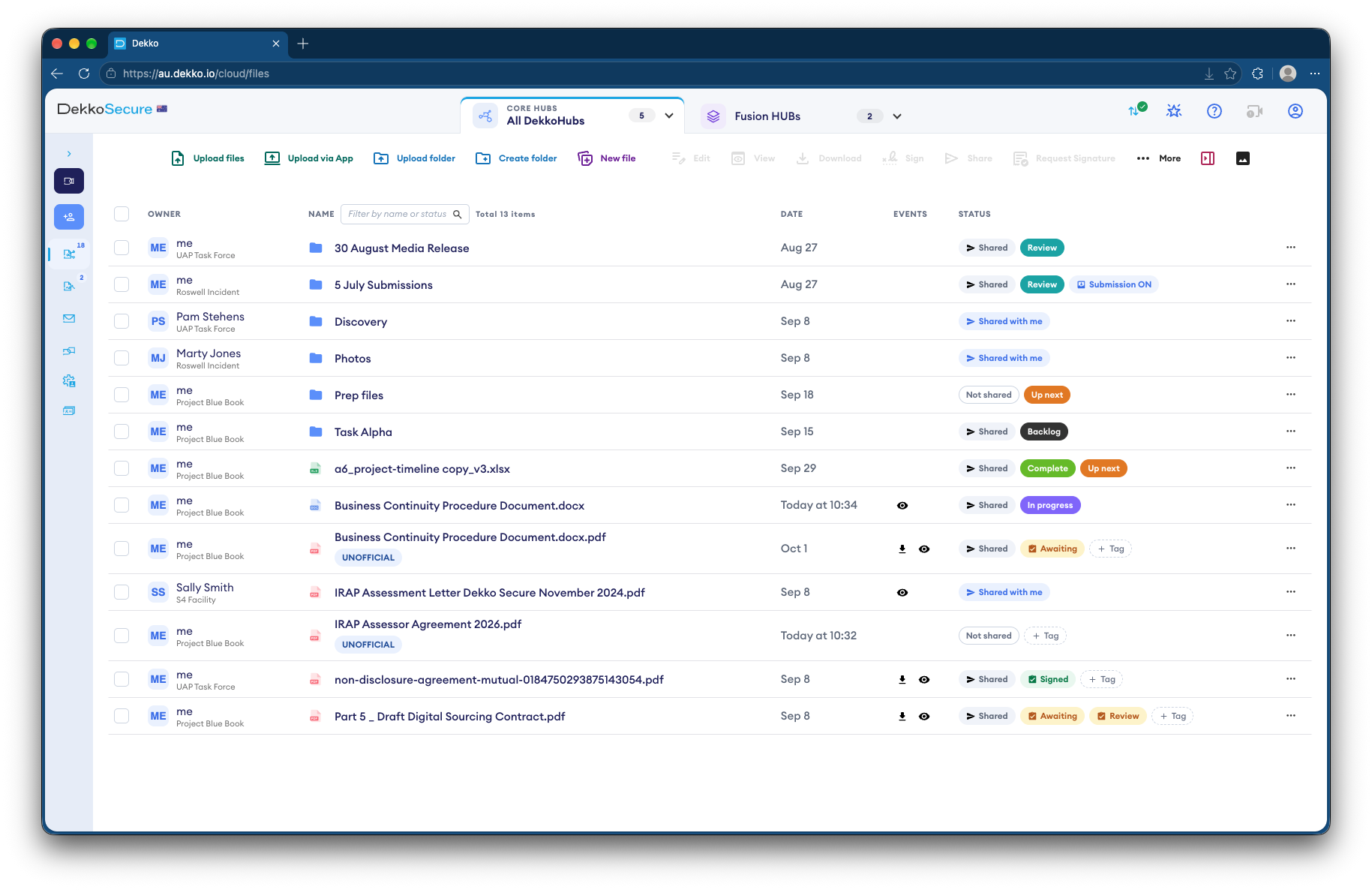
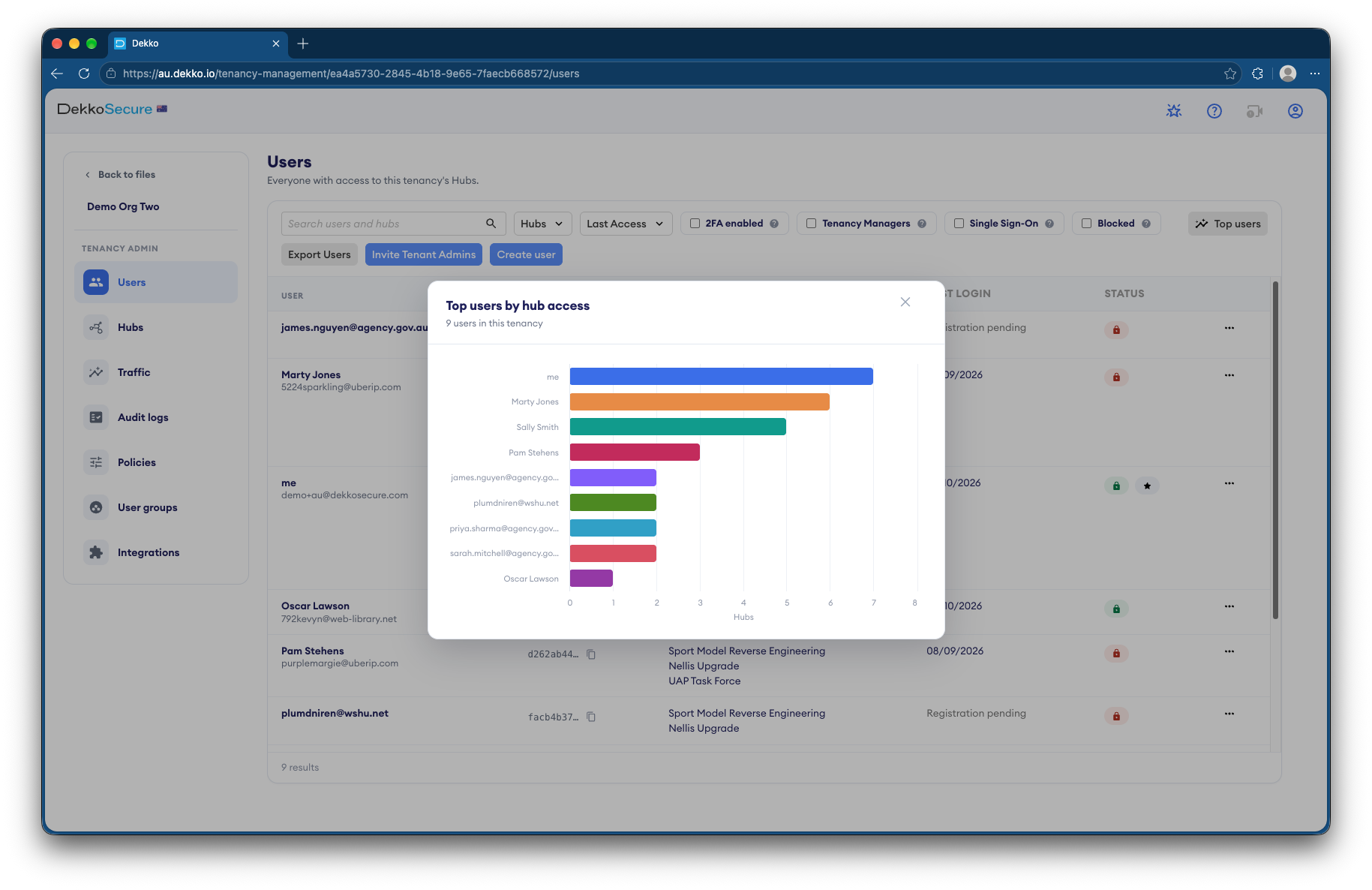
The deal, at a glance.
Q&A log
Asked by deal teams.
Q-001Access
Can bidders see who else is in the data room?
No. Bidders are added to the Hub as External Members, who only see the bank's Team Members. They can't see or contact other External Members, even when the same files are shared with them.
Answered
Q-002Downloads
Can bidders download the information memorandum?
Only if you let them. Share it View only and they can read it in the secure viewer without downloading a copy. Download access is a separate level you can grant later, per person.
Answered
Q-003Questions
How do bidders ask questions?
Through encrypted mail with the deal team inside the Hub, or in a video meeting. Mail you've sent can be revoked if the recipient hasn't read it yet.
Answered
Q-004Accounts
Do bidders need a DekkoSecure subscription?
No. External Members are invited by the bank and register a DekkoSecure account to take part. Their own organisation doesn't need a subscription.
Answered
Q-005SharePoint
Do we have to move everything off SharePoint?
No. You can keep SharePoint for internal work and use DekkoCORE for deals and other sharing with outside parties. The deal team uploads files in the browser, or in bulk with the Upload Accelerator.
Answered
Q-006Hosting
Where is the data stored?
DekkoCORE is hosted in-country in Australia, the United States and Canada, and is IRAP assessed for Australian government PROTECTED information.
Answered
Next milestone
Set up your next deal Hub with us.
Show us how your deal team shares with bidders and advisers today. We'll set up a deal Hub to match, with rounds, roles and expiry dates ready to go.