

Claims administrators · Plaintiff firms · Group members
Collect evidence from thousands of group members through one link.
Claims administrators print one submission link or QR code on the notice. Group members upload documents and a statement with no account, and each submission lands in its own folder.
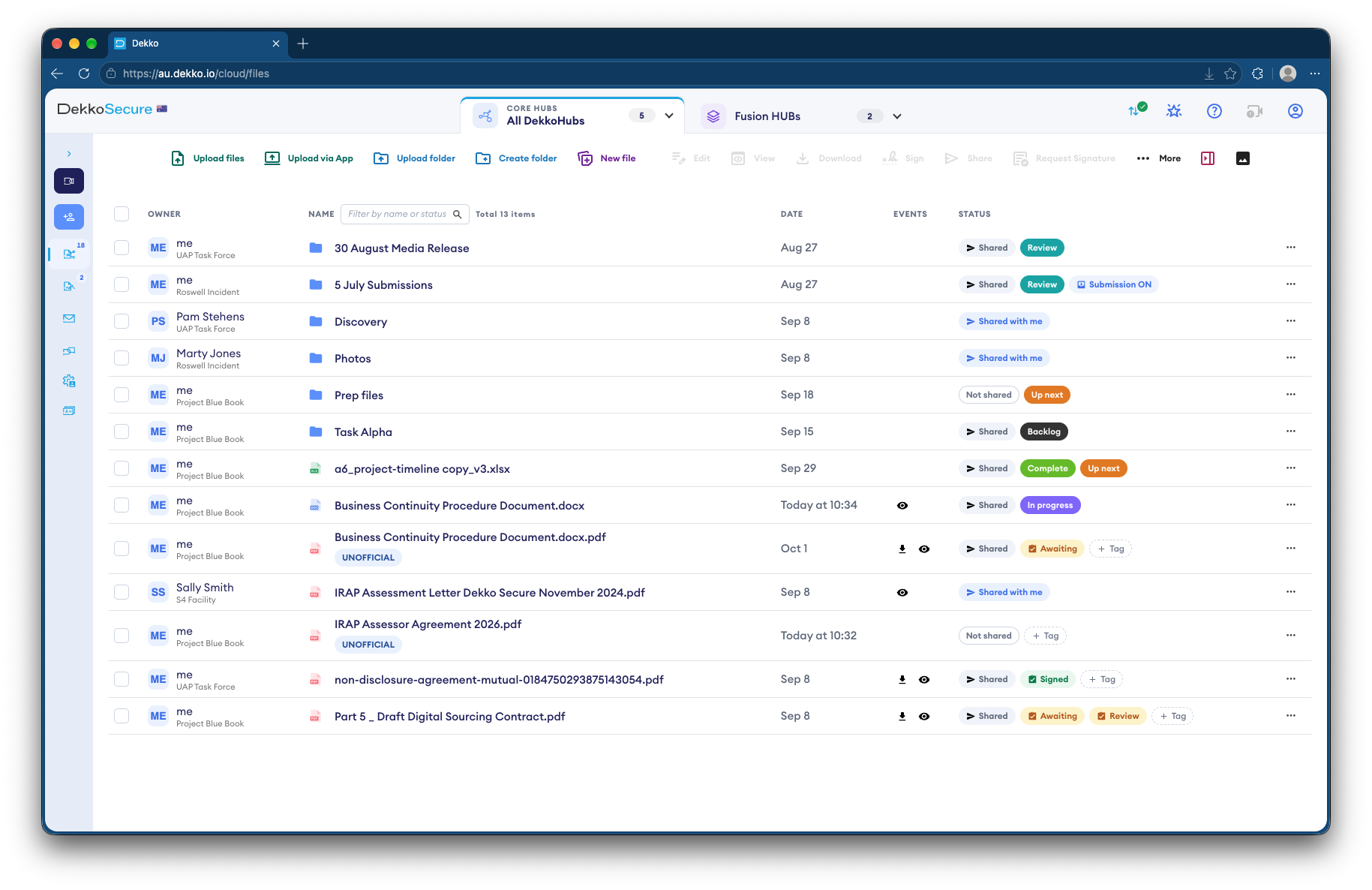
- One link or QR code
- Printed on the notice to group members.
- Statement and files
- A written statement of up to 2,000 characters, plus documents.
- One folder each
- Each submission lands in its own subfolder.
- Alerts
- An email when new submissions arrive.
Why claimant intake is hard
A class action can involve thousands of group members, each sending identity documents, invoices or medical records.
Today
- Evidence emailed to a shared inbox
- Large attachments bounced or split
- Submissions sorted into folders by hand
- Personal records copied across systems
With DekkoCORE
- One link or QR code for everyone
- Files uploaded from any phone, with no account
- Each submission filed in its own folder
- Only your team can open them
How it works in DekkoCORE
One action, from the notice to each claimant's folder.
Step 1
Set up the intake folder
Create a folder for the action and turn on a submission link for it.
- Hub folders
- Submission link
Step 2
Put the link on the notice
Print the QR code on letters and notices, or send the link by email.
- QR code
Step 3
Group members submit
They upload documents and a written statement from any phone or computer, with no account.
- Statement field
Step 4
Each submission is filed
Every submission lands in its own subfolder, and your team gets an email alert.
- Subfolder per submission
- Email alert
Step 5
Check what arrives
Where malware scanning is turned on for your tenancy, uploads are scanned as they arrive.
- Malware scanning
Who gets what access
A typical action. You can change or remove anyone's access at any time.
Claims administrator
Full permissions
Runs intake and reviews every submission.
Plaintiff law firm
Manager
Reviews claims and shares them with experts.
Group members
Submission link
Send their evidence in, and see nothing else.
Experts
View only
Review the claims shared with them.
The bars show a permission level, from Listing only (one bar) to Full permissions (seven).
Questions
Do group members need an account?
No. The submission link works from any phone or computer, with no account or app.
Can a group member see other people's submissions?
No. The link only takes uploads. Nobody using it can see what's in the folder.
How do we know who sent a submission?
Submission links don't check identity, so ask group members to include their name and claim details in the statement. The link also records each sender's IP address and approximate location.
What if the link is forwarded?
Anyone with the link can submit through it. You can set an expiry date on the link, or disable it at any time.
Are uploads scanned for malware?
Where malware scanning is turned on for your tenancy, files up to 2 GiB are scanned as they arrive.
Running intake for a class action?
Tell us how group members send their evidence today. We'll show you the same intake in DekkoCORE, from the notice to each claimant's folder.