

Fund administrators · Investors · Fund managers
Onboard investors and send capital calls, with each investor seeing only their own documents.
Fund administrators give each investor their own folder, have subscription documents signed by any one of the investor's authorized signatories, send capital calls to every investor at once, and confirm receipt with read receipts.
- Per-investor folders
- Each investor sees only their own.
- Subscriptions
- Signed by any one authorized signatory.
- Capital calls
- Sent to every investor at once.
- Read receipts
- Show when each investor opened it.
Why investor communications are hard to secure
Fund administrators send subscription documents, KYC requests, capital calls and reports to many investors, each of whom must see only their own.
Today
- Statements emailed one by one
- A wrong recipient exposes another investor
- Subscriptions printed, signed and scanned
- No confirmation a capital call was read
With DekkoCORE
- Each investor has their own folder
- Mass share sends notices to everyone at once
- Subscriptions signed in the browser
- Read receipts on every notice
How it works in DekkoCORE
One fund, from onboarding to quarterly reporting.
Step 1
Open each investor's folder
Create a folder for each investor, shared with their authorized people.
- Hub folders
Step 2
Sign subscription documents
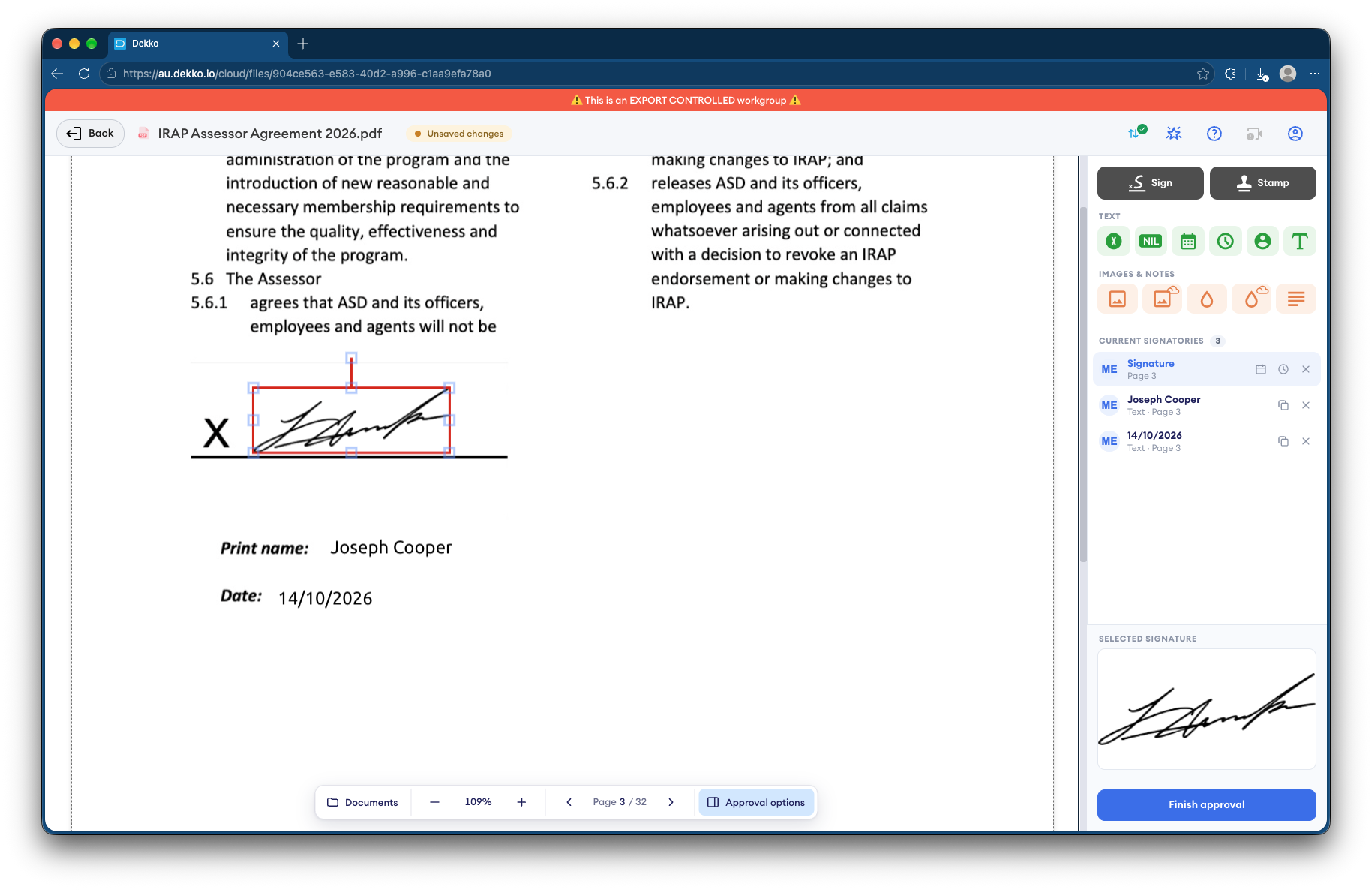
Request a signature from the investor's signatories. Any one of them can sign.
- Request signature
- Signer groups
Step 3
Send capital calls
Use Mass share to send the capital call to every investor in one step.
- Mass share
Step 4
Confirm receipt
Read receipts show when each investor opened the notice.
- Read receipts
Step 5
Share reports
Put each investor's statements and reports in their own folder.
- Download
Who gets what access
A typical fund. You can change or remove anyone's access at any time.
Fund administrator
Full permissions
Runs onboarding and reporting.
Fund manager
View only
Sees investor documents as needed.
Investor's authorized people
Download, own folder
Get their own statements and notices.
Other investors
Not shared
Never see another investor's folder.
The bars show a permission level, from Listing only (one bar) to Full permissions (seven).
Questions
Can one investor see another investor's documents?
No. Each investor's folder is shared only with that investor's authorized people.
What does Mass share do?
It sends the same notice to many people in one step, instead of sharing with each person separately.
Can any authorized signatory sign?
Yes. Request the signature from a group of the investor's signatories, and any one of them can complete it.
Are signatures certificate-based digital signatures?
No. A signature in DekkoCORE is a signature mark applied to the PDF, with the signing recorded against the file.
Do investors need accounts?
Yes. Each authorized person signs in, so every view and download is recorded against them.
Administering a fund?
Tell us how investors receive documents and capital calls today. We'll show you the same process in DekkoCORE.