

Marketing authorization holders · Licensing partners · Safety teams
Exchange adverse-event reports with partners, and show when each one arrived.
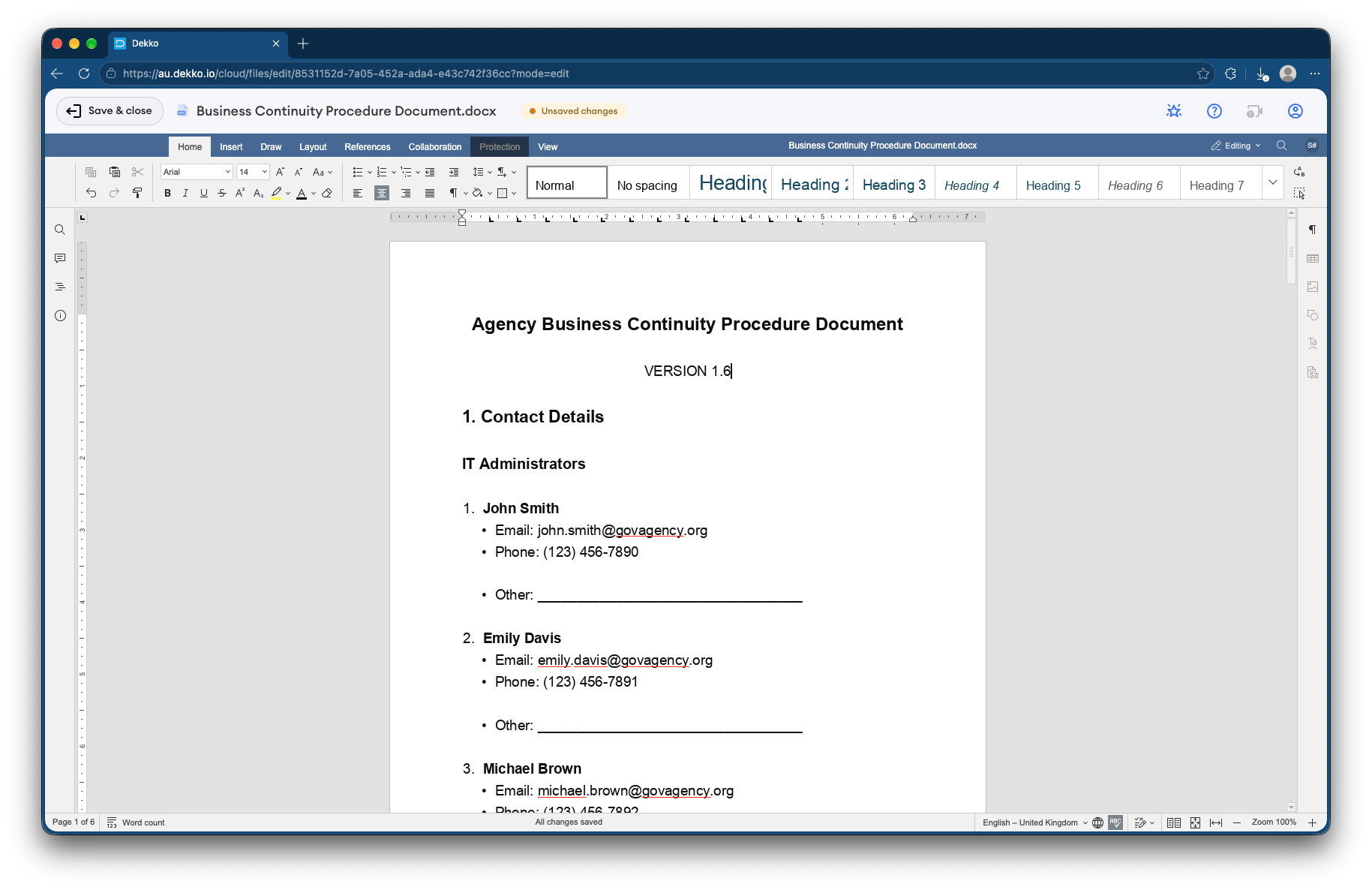
Safety teams exchange adverse-event reports with each licensing partner through its own folder, use read receipts to show when a report was received, and co-edit periodic safety reports in the browser.
- Per-partner folders
- Each partner sees only its own exchange.
- Read receipts
- Show when a report was received.
- Periodic safety reports
- Co-edited in the browser.
- Proof
- Every upload and view recorded.
Why safety data exchange is time-critical
Safety data exchange agreements set deadlines for passing adverse-event reports between partners, and inspections ask for proof they were met.
Today
- Reports emailed between partners
- Receipt confirmed by reply email
- Periodic reports merged from attachments
- Patient details in many inboxes
With DekkoCORE
- Each partner exchanges through its own folder
- Read receipts show when a report was opened
- Periodic reports co-edited in one document
- Access limited to named safety staff
How it works in DekkoCORE
One partnership, from the first case report to the periodic report.
Step 1
Set up each partner's folder
Create a folder for each licensing partner in your safety Hub.
- Hub folders
Step 2
Exchange reports
Each side uploads adverse-event reports to the partner's folder.
- Download + Upload
Step 3
Confirm receipt
Send a notice through secure mail, and its read receipt shows when the partner opened it.
- Read receipts
Step 4
Co-edit periodic reports
Work on periodic safety reports together in the browser.
- Document editor
Step 5
Show it at inspection
The audit log lists every upload and view, and exports as CSV.
- Audit log
Who gets what access
A typical partnership. You can change or remove anyone's access at any time.
Your safety team
Full permissions
Runs the exchange with every partner.
Each partner's safety staff
Download + Upload, own folder
Exchange reports with you.
Partner reviewers
Editor
Co-edit periodic reports.
Other partners
Not shared
Never see another partner's exchange.
The bars show a permission level, from Listing only (one bar) to Full permissions (seven).
Questions
Can one partner see another partner's reports?
No. Each partner's folder is shared only with that partner's named staff.
How do we show when a report was received?
Each file records its uploads and views, and a read receipt on your secure mail notice shows when the partner opened it.
Does this replace our safety database?
No. DekkoCORE handles the exchange between partners, alongside the safety database you already use.
Do partners need accounts?
Yes. You share with named safety staff, so every view and upload is recorded against a person.
Where is the data stored?
DekkoCORE is hosted in-country, in Australia, the United States or Canada.
Exchanging safety data with partners?
Tell us how adverse-event reports move between you and your partners today. We'll show you the same exchange in DekkoCORE.