

Regulators · Investigation teams · Notice recipients
Issue a notice, receive the production, own the files from the moment they arrive.
Regulators give each notice recipient a guest link to upload its production into, take ownership of the uploads, and receive bulk productions with DekkoDrive.
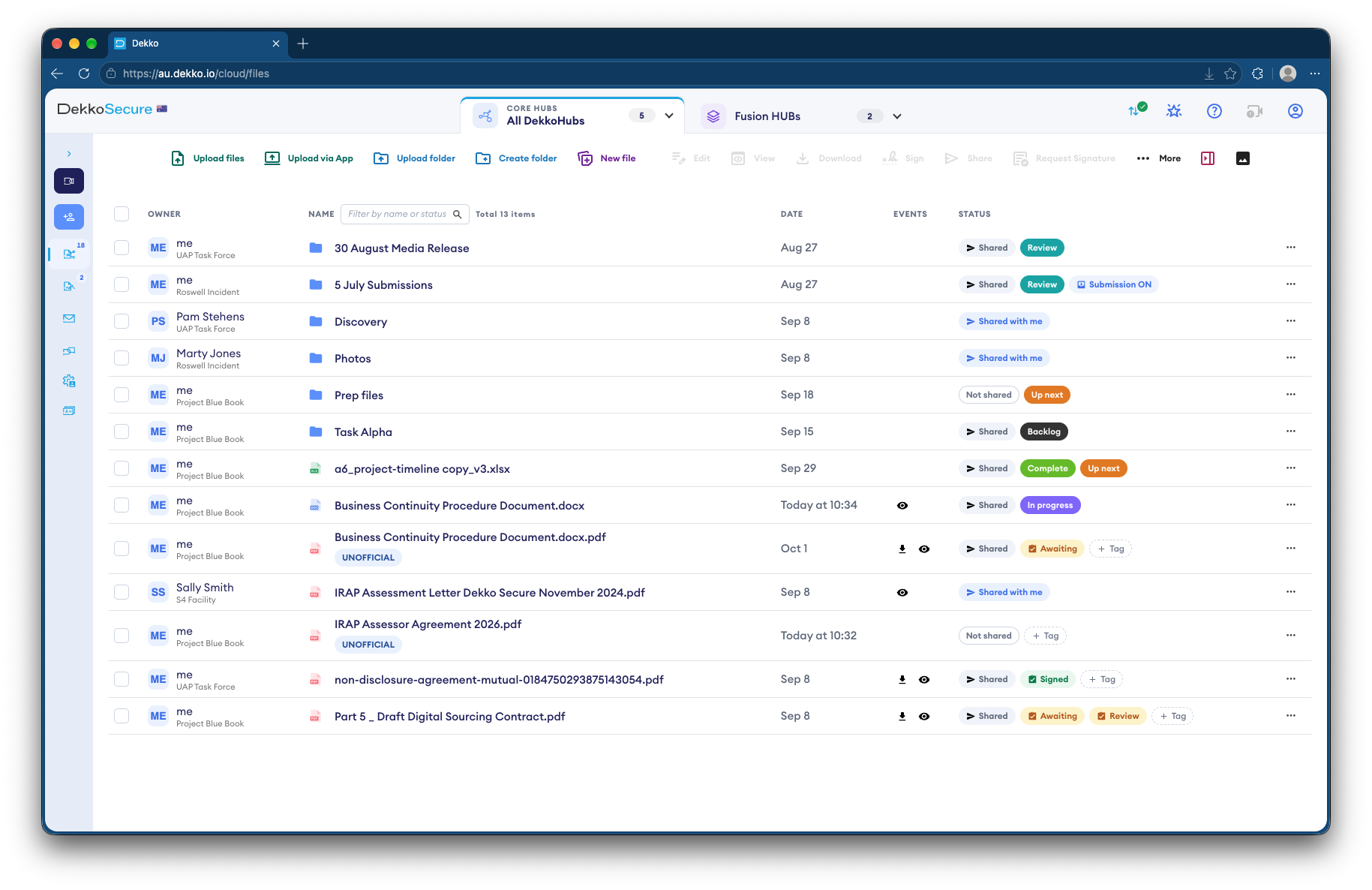
- One link per recipient
- A guest link to upload the production.
- Bulk productions
- DekkoDrive for whole folders.
- Ownership
- Uploads become the regulator's files.
- Scanning
- Malware scanning where it's enabled.
Why productions are hard to receive
A compulsory notice can produce gigabytes of email archives, spreadsheets and scanned records, due by a set date.
Today
- Productions on drives couriered in
- Files sent through each company's own transfer tool
- No clear point when the files changed hands
- Large files checked by hand
With DekkoCORE
- Each recipient uploads to its own folder
- Bulk uploads with DekkoDrive
- Uploads owned by the regulator on arrival
- Malware scanning where it's enabled
How it works in DekkoCORE
One notice, from the link to the files in your Hub.
Step 1
Set up the notice's folder
Create a folder for each notice in the investigation's Hub.
- Hub folders
Step 2
Send the recipient a link
Send a guest link with uploads to the person named on the notice.
- Guest link uploads
Step 3
Receive the production
Small productions go up in the browser. Bulk ones go up with DekkoDrive for Windows.
- DekkoDrive
Step 4
Take ownership
Take ownership of the uploads, so the files belong to the regulator from then on.
- Take ownership of uploads
Step 5
Check what arrived
Where malware scanning is enabled for your tenancy, files are scanned as they arrive.
- Malware scanning
Who gets what access
A typical investigation. You can change or remove anyone's access at any time.
Investigation team
Full permissions
Issues notices and owns the productions.
Lawyers and analysts
Download
Review the productions.
Notice recipient
Guest link with uploads
Produces documents into one folder.
Other recipients
Not shared
Never see another production.
The bars show a permission level, from Listing only (one bar) to Full permissions (seven).
Questions
Does a notice recipient need an account?
No. A guest link lets them upload to their folder without one.
How secure is a guest link?
Anyone holding a guest link can use it, so send it only to the person named on the notice. Guest links last up to a month and can be renewed.
What does taking ownership of uploads do?
The uploaded files become the regulator's own files in the Hub, managed like anything else you hold.
How large can a production be?
There's no file size limit unless your tenancy sets one. DekkoDrive for Windows handles bulk uploads of whole folders.
Are productions scanned for malware?
Where malware scanning is enabled for your tenancy, files up to 2 GiB are scanned as they arrive.
Issuing compulsory notices?
Tell us how productions reach you today. We'll show you the same notice in DekkoCORE, from the link to the files in your Hub.