

Hospitals · Banks · Telcos · Schools
Produce records under a subpoena or notice, with out-of-scope material redacted and proof of what you sent.
Organizations served with a subpoena, warrant or notice redact what's out of scope, share the production with the requesting party, and keep proof of what was produced and when. The recipient can check the copies are unchanged.
- Out of scope
- Redacted before production.
- Production
- Shared with the requesting party.
- Proof
- Read receipts show when it was opened.
- Checkable copies
- The recipient can verify them.
Why producing records is risky
A subpoena or notice asks for specific records, but the files that answer it often hold other people's information that's out of scope.
Today
- Records copied to disc and couriered
- Out-of-scope details blacked out by hand
- No proof of what was produced
- Production logs kept in spreadsheets
With DekkoCORE
- Productions shared securely
- Out-of-scope material redacted in the PDF
- Read receipts and file history as proof
- The audit log exported for your register
How it works in DekkoCORE
One request, from the records in scope to your compliance register.
Step 1
Open a folder for the request
Gather the records that answer the subpoena or notice.
- Hub folders
Step 2
Redact what's out of scope
Redact other people's information and anything not asked for.
- Redaction
Step 3
Produce the records
Share the folder with the requesting party at Download, with an expiry date.
- Download
- Access expiry
Step 4
Keep proof of production
Send a covering message by secure mail, and its read receipt shows when it was opened.
- Read receipts
Step 5
Update your register
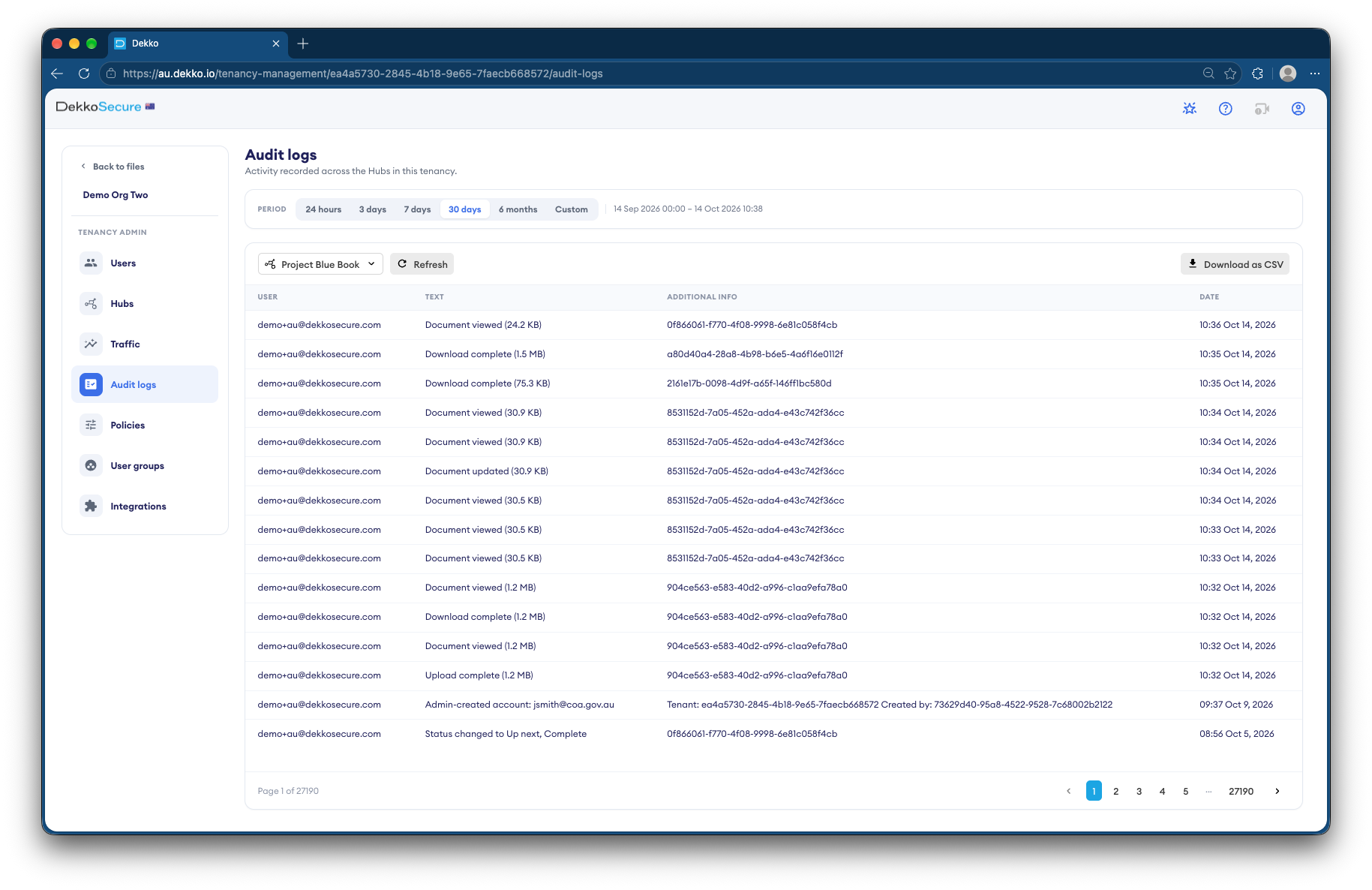
Export the audit log as CSV for your compliance register.
- Audit log CSV export
Who gets what access
A typical request. You can change or remove anyone's access at any time.
Legal or records team
Full permissions
Prepares and redacts the production.
Internal reviewers
View only
Check the production before it goes.
Requesting party
Download, until a set date
Receives the records asked for.
Everyone else
Not shared
Can't see the request is there.
The bars show a permission level, from Listing only (one bar) to Full permissions (seven).
Questions
Does redaction work on scanned records?
Redaction works on PDFs. A search finds words in a PDF's text, so scanned pages without a text layer need to be redacted by hand.
How can the recipient check the records?
They add a copy to DekkoSecure's file validator. A match shows where it came from, and a copy that's been changed won't match.
What proof of production do we get?
Each file records who viewed and downloaded it, a read receipt shows when your covering message was opened, and the audit log exports as CSV.
Is this for the requesting side too?
This page covers producing records. For regulators issuing notices, see Regulator compulsory notices.
Where are records stored?
DekkoCORE is hosted in-country, in Australia, the United States or Canada.
Responding to subpoenas and notices?
Tell us how you produce records today. We'll show you the same production in DekkoCORE.