

Tribunals · Government agencies · Representatives
One folder per matter, shared with every party the tribunal hears from.
Each tribunal matter gets its own folder in DekkoCORE. Agencies lodge their decision documents there, parties see only what's shared with them, and status tags show where things are up to.
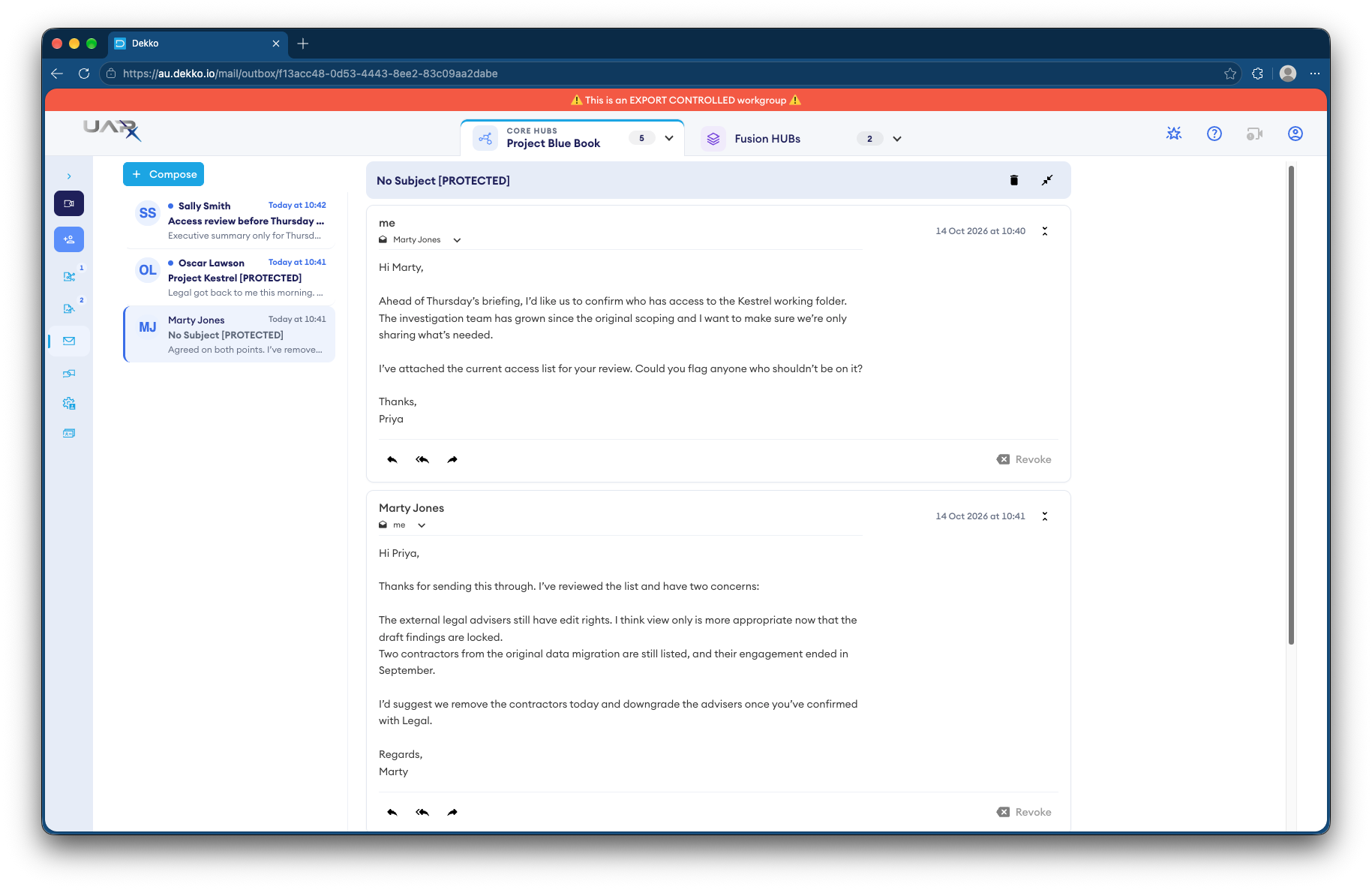
- One folder per matter
- Everything for a matter in one place.
- Agencies lodge there
- Decision documents uploaded straight to the matter.
- Document stage
- Status tags show which documents are final.
- Marked mail
- The classification in every subject line.
Why tribunal files sprawl
One review can involve the applicant, their representative, the agency that made the decision, and the tribunal's own members and staff.
Today
- Decision documents emailed in pieces
- Parties sent different versions
- Hard to see which documents are final
- Health and personal records in inboxes
With DekkoCORE
- Agencies upload straight to the matter's folder
- Everyone works from the same documents
- Status tags show which documents are final
- Access limited to the people on the matter
How it works in DekkoCORE
One matter, from lodgement to the hearing.
Step 1
Open a folder for the matter
Each matter gets its own folder in the tribunal's Hub.
- Hub folders
Step 2
The agency lodges its documents
Invite the agency's officers as external members, at Download + Upload on their own subfolder.
- External members
- Download + Upload
Step 3
Share with the parties
Share what each party needs. Mass share sends the same documents to many people in one step.
- Mass share
Step 4
Track each document
Status tags such as Review and Signed show where each document is up to.
- Status tags
Step 5
Send marked messages
Secure mail shows the classification marking in the subject line.
- Secure mail
- Classification labels
Who gets what access
A typical matter. You can change or remove anyone's access at any time.
Tribunal registry
Full permissions
Opens matters and manages access.
Members hearing the matter
View only
Read the file before the hearing.
Decision-making agency
Download + Upload
Lodges its documents to its own subfolder.
Applicant or representative
Download
Gets the documents shared with them.
The bars show a permission level, from Listing only (one bar) to Full permissions (seven).
Questions
Can an agency upload without seeing the whole file?
Yes. Give the agency's officers their own subfolder at Download + Upload, and share only what they should see.
What is Mass share?
Mass share sends the same file or folder to many people in one step, instead of sharing with each person separately.
Do status tags replace our case management system?
No. They show the stage of each document in DekkoCORE, alongside the case management system you already use.
Which classification markings can mail carry?
Secure mail can show Australian markings such as OFFICIAL: Sensitive and PROTECTED in the subject line.
Can parties see each other's documents?
Only if you share them. Each party sees only what's shared with them.
Running a tribunal registry?
Tell us how matter files move between agencies, parties and members today. We'll show you the same flow in DekkoCORE.