

Coroners · Families · Interested parties
Share the inquest brief with families and interested parties, on the coroner's terms.
Coroners' offices invite families and interested parties to read the brief at View only. Autopsy material stays out of inboxes, and every view is recorded.
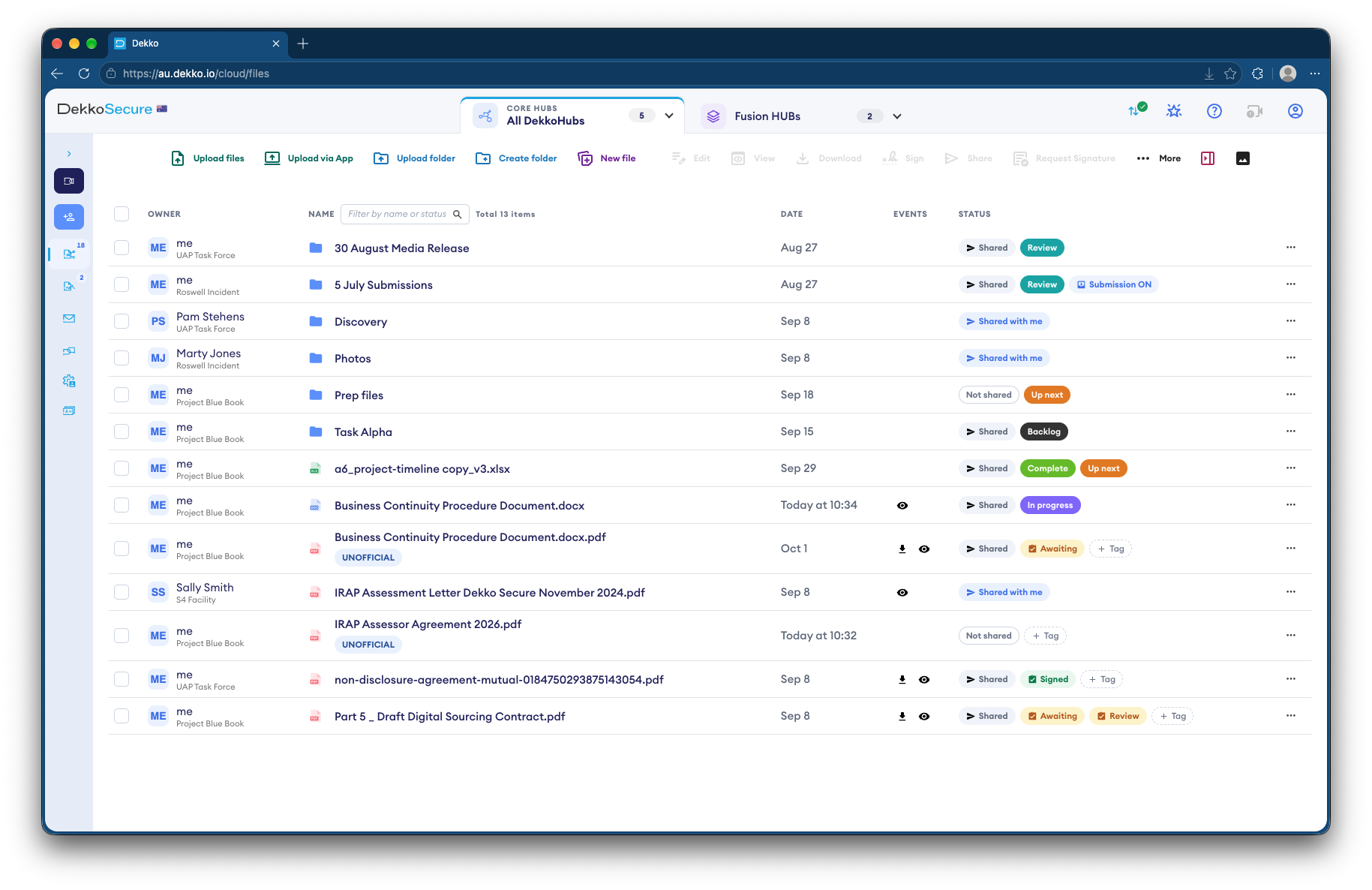
- Who it's for
- Coroners' offices, families and interested parties.
- How families read it
- View only, in the browser. No downloads.
- Brief status
- Status tags show what's ready to read.
- Proof
- Every view recorded, with the person and date.
Why inquest briefs are hard to share
Families often take part in an inquest as interested parties, and the brief can include autopsy reports and images that must not circulate.
Today
- Briefs posted or emailed to families
- Autopsy material in personal inboxes
- Each party sent its own copy
- No record of who has read what
With DekkoCORE
- Families read the brief in the browser
- Sensitive material stays View only
- Everyone works from the same folder
- Every view recorded against the file
How it works in DekkoCORE
One inquest, from the brief to the end of the hearing.
Step 1
Set up the inquest's folder
Add the brief to its own folder in the coroner's Hub, with sensitive material in a separate subfolder.
- Hub folders
Step 2
Invite families and parties
Invite family members and interested parties' lawyers by name, as external members.
- External members
Step 3
Share at View only
Share the brief View only. Share the autopsy subfolder only with the people the coroner allows.
- View only
- Folder access
Step 4
Mark what's ready
Status tags show which documents are final and which are still to come.
- Status tags
Step 5
Every view is recorded
The audit log shows who opened what and when, and exports as CSV.
- Audit log
Who gets what access
A typical inquest. You can change or remove anyone's access at any time.
Coroner's office
Full permissions
Holds the brief and decides who sees what.
Counsel assisting
Manager
Prepares the brief and shares parts of it.
Family members
View only
Read the brief, with nothing to download.
Interested parties' lawyers
View only or Download
As the coroner directs.
The bars show a permission level, from Listing only (one bar) to Full permissions (seven).
Questions
Can families download the autopsy report?
Not if you share it View only. They read it in the browser. You decide access separately for each folder and file.
Do families need to install anything?
No. They're invited by email, sign in, and read the brief in their browser.
Can different parties see different parts of the brief?
Yes. Access is set per folder and per file, so each party sees only what's shared with them.
How do we know who has read the brief?
Each file lists who viewed it and when, and the Hub's audit log exports as CSV.
Can we take access away after the inquest?
Yes. Remove access at any time, or set an expiry date when you share.
Preparing a coronial brief?
Tell us how briefs reach families and interested parties today. We'll show you the same process in DekkoCORE, with your own folders and access.