

Breached organizations · External counsel · Forensics firms · Insurers
Run the incident response through counsel, with each party seeing only its own work.
In a cyber incident, external counsel owns the Hub, so forensic reports and advice sit with the lawyers. The breached organization, the forensics firm and the insurer each get their own folder, and meetings can be recorded for the file.
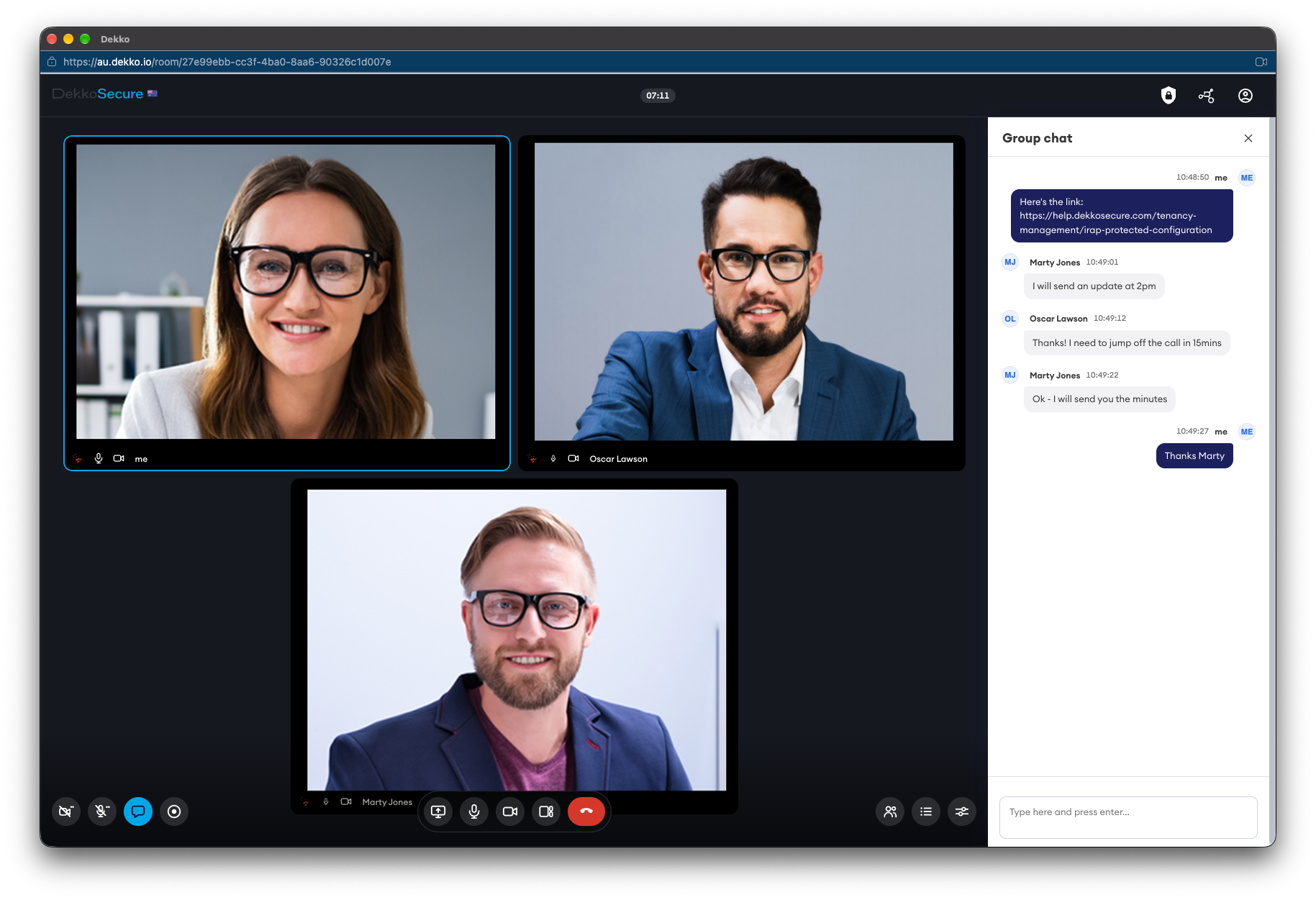
- Counsel owns the Hub
- Reports and advice sit with the lawyers.
- Per-party folders
- Each party sees only its own.
- Recorded meetings
- For the response record.
- Read receipts
- Show when updates were opened.
Why incident response needs structure
After a breach, the organization, its lawyers, the forensics firm and the insurer all need information fast, while regulator deadlines run and legal privilege needs protecting.
Today
- Forensic findings emailed around
- Response calls on the breached network
- Privileged and other documents mixed
- No record of who saw which report
With DekkoCORE
- A Hub owned by external counsel
- Meetings away from the affected network
- A folder for each party's work
- Every view recorded
How it works in DekkoCORE
One incident, from the first call to the final report.
Step 1
Counsel sets up the Hub
External counsel creates the Hub and invites each party.
- Hubs
- External members
Step 2
Give each party a folder
The organization, the forensics firm and the insurer each work in their own folder.
- Hub folders
Step 3
Meet away from the affected network
Hold response meetings securely, and record them to the vault.
- Meetings
- Meeting recording
Step 4
Label what's sensitive
Apply labels to documents as they're shared.
- Classification labels
Step 5
Track updates
Send updates by secure mail, and read receipts show when each party opened them.
- Read receipts
Who gets what access
A typical incident. You can change or remove anyone's access at any time.
External counsel
Full permissions
Owns the Hub and directs the work.
Organization's response lead
Download + Upload
Provides logs and information.
Forensics firm
Download + Upload, own folder
Investigates and reports to counsel.
Insurer
View only
Sees what counsel shares.
The bars show a permission level, from Listing only (one bar) to Full permissions (seven).
Questions
Does this make our documents privileged?
No. Privilege depends on why a document was created and how it's handled. Having counsel own the Hub helps keep the record clear.
Can the insurer see the forensic findings?
Only what counsel shares with it. Access is set per folder and per file.
Can we meet if our own systems are down?
Yes. Meetings run in DekkoCORE, not on your network, so the response team can meet while your systems are being investigated.
Can we play meeting recordings in DekkoCORE?
Recordings are saved to your vault as WebM video files. Download one to play it in a web browser or media player.
Where is the data stored?
DekkoCORE is hosted in-country, in Australia, the United States or Canada.
Planning your incident response?
Tell us who would be involved in a response. We'll show you a response Hub in DekkoCORE, ready before you need it.