

Security consultancies · Red teams · Client security teams
Deliver penetration test reports to the client, and only to the client.
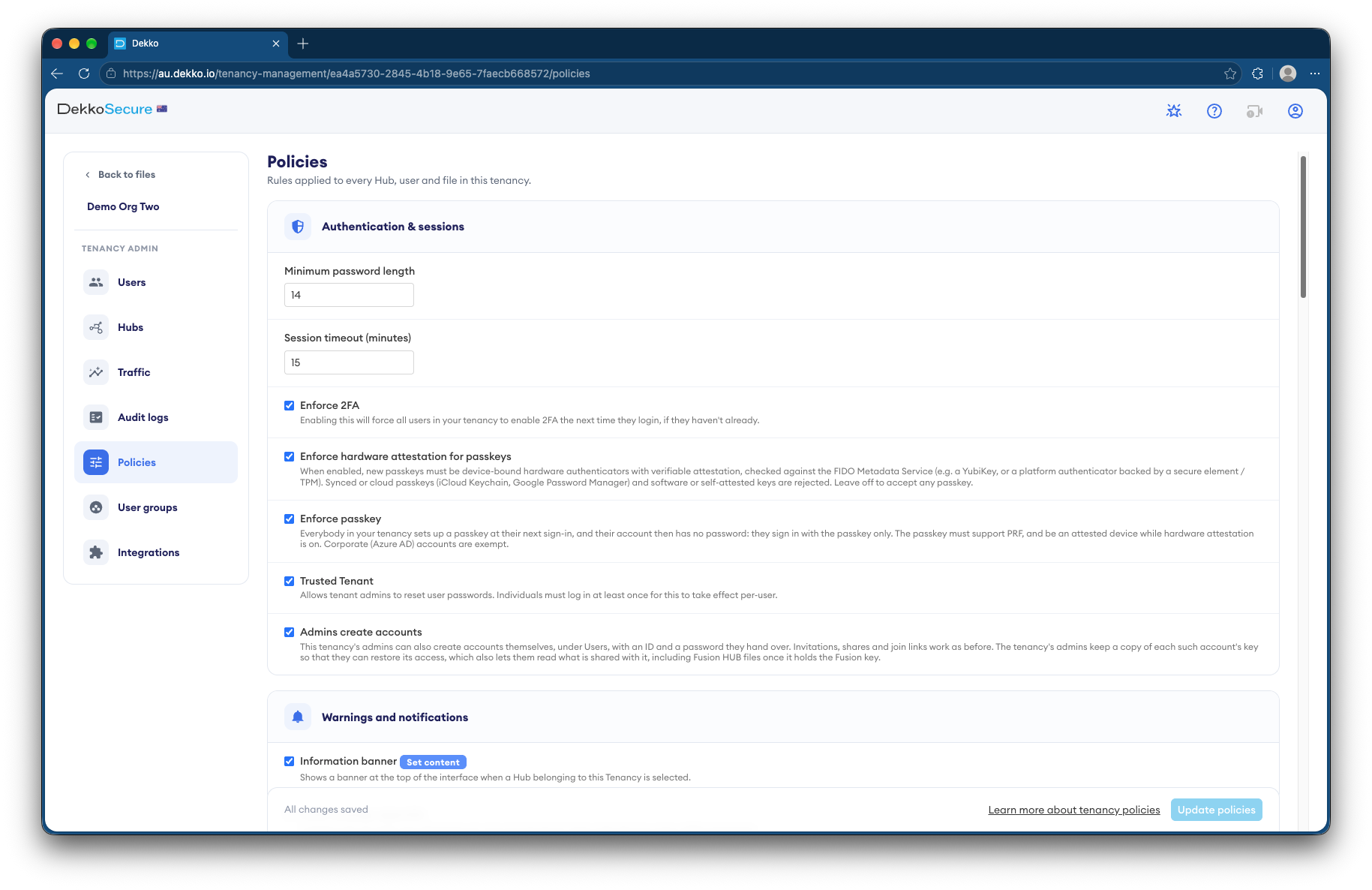
Security firms share penetration test and red-team reports with the client's security team at View only, with access that ends. Both sides can be required to sign in with hardware passkeys.
- View only
- The report is read, not downloaded.
- Passkeys
- Hardware security keys on both sides.
- Access ends
- On the date you set.
- Returned evidence
- Scanned for malware where enabled.
Why pen test reports are a target
A penetration test report is a map of how to attack the client. In the wrong hands, it's an attack plan.
Today
- Reports emailed as PDFs
- Copies kept on consultants' laptops
- Passwords sent by text
- Evidence files passed back and forth
With DekkoCORE
- Reports read View only
- Hardware passkeys at sign-in
- Access that ends after the retest
- Returned evidence scanned where enabled
How it works in DekkoCORE
One engagement, from the report to the retest.
Step 1
Open a folder per engagement
Keep each engagement's report and evidence in its own folder.
- Hub folders
Step 2
Require passkeys
Require passkeys from hardware security keys for everyone on both sides.
- Passkeys
Step 3
Share the report View only
Share the report with the client's named security staff at View only.
- View only
Step 4
Exchange evidence
The client returns files and screenshots to the folder, scanned for malware where enabled.
- Download + Upload
- Malware scanning
Step 5
Close the engagement
Access ends on the date you set, such as after the retest.
- Access expiry
Who gets what access
A typical engagement. You can change or remove anyone's access at any time.
Engagement lead
Full permissions
Delivers the report and evidence.
Client's named security staff
View only, until a set date
Read the findings.
Client's remediation team
Download + Upload
Return evidence of fixes.
Everyone else
Not shared
Can't see the engagement is there.
The bars show a permission level, from Listing only (one bar) to Full permissions (seven).
Questions
Can the client download the report?
Not with View only. If they need a copy, change their access to Download.
Can we require hardware security keys?
Yes. Your tenancy can require passkeys and check that each one comes from a hardware security key.
Are returned files scanned for malware?
Where malware scanning is enabled for your tenancy, files up to 2 GiB are scanned as they arrive.
Do clients need an account?
Yes. You share with named people who sign in, so every view is recorded against a person.
Where are reports stored?
DekkoCORE is hosted in-country, in Australia, the United States or Canada.
Delivering security testing reports?
Tell us how reports reach your clients today. We'll show you the same delivery in DekkoCORE.