

Legal aid · Community legal centers · Specialist services
Let victim-survivors send evidence safely, with nothing left in an account for an abuser to find.
Services give a victim-survivor a submission link or QR code. They upload screenshots, photos and recordings with no account and nothing to read back, so no inbox or app on their phone holds the evidence.
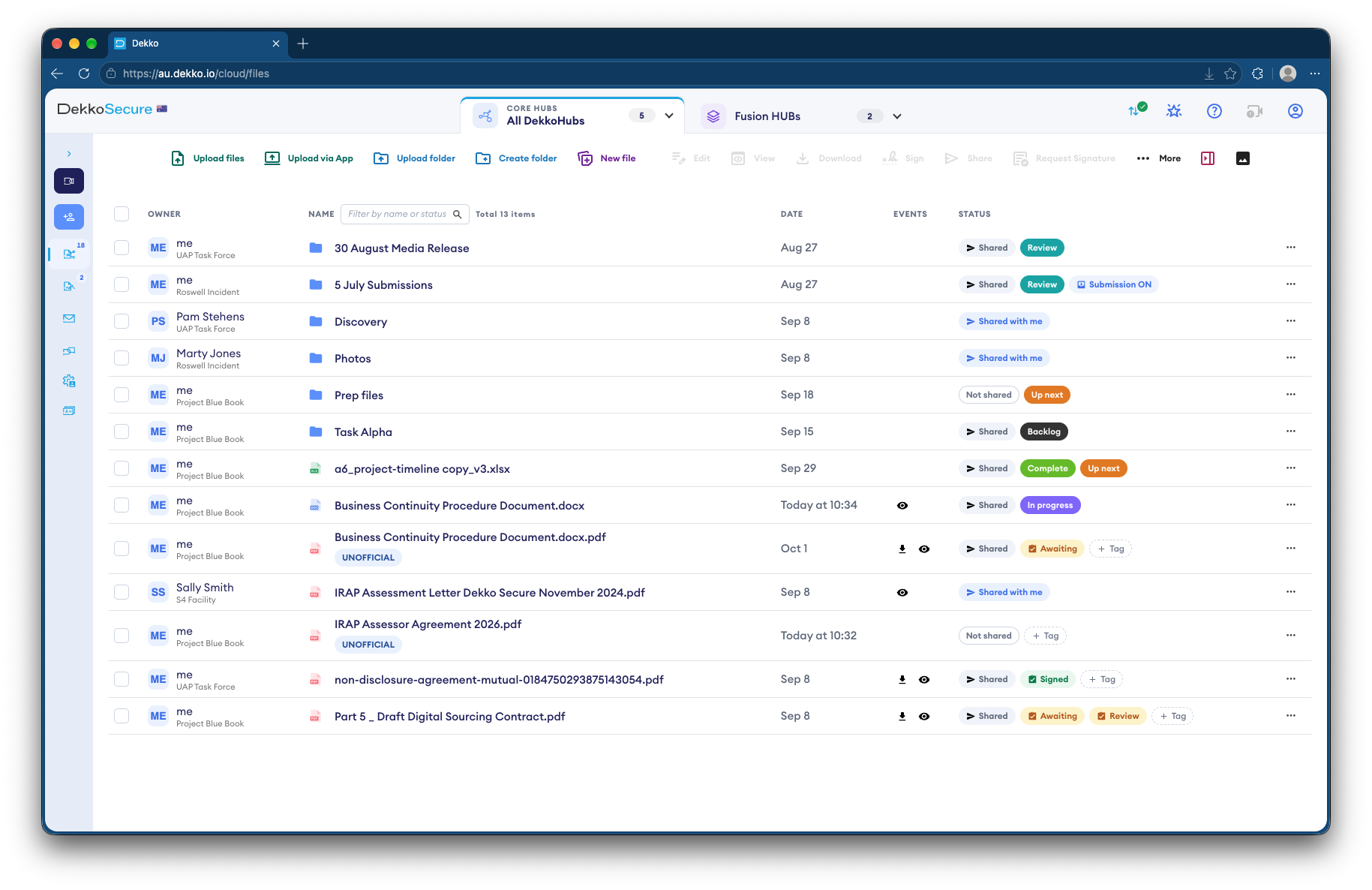
- Submission link
- No account, and nothing to read back.
- QR code
- Given in person or on a card.
- Evidence over time
- A renewable link for ongoing uploads.
- Only your team
- Can open what arrives.
Why collecting this evidence is risky
Victim-survivors often gather evidence on a phone the abuser can see. Sending it by email or a messaging app can leave copies where they'd be found.
Today
- Screenshots sent by email or text
- Copies left in sent folders and chats
- Evidence kept on a shared or monitored phone
- Recordings too large to attach
With DekkoCORE
- Uploaded through a link, with no account
- Nothing to read back after sending
- One folder per client at the service
- Your team opens it, and no one else
How it works in DekkoCORE
One client, from the first upload to using the evidence in their matter.
Step 1
Open a folder for the client
Create a folder for the client in your service's Hub, and turn on a submission link.
- Hub folders
- Submission link
Step 2
Give them the link safely
Share the link or QR code in a way that suits their safety, such as in person.
- QR code
Step 3
They send the evidence
They upload screenshots, photos and recordings with a short statement, and see nothing afterwards.
- Statement field
Step 4
Keep collecting over time
For evidence that builds over weeks, use a guest link with uploads, renewed as needed.
- Guest link uploads
Step 5
Use it in the matter
Your lawyers review the evidence in the Hub and share it with others on the matter, with the client's agreement.
- View only
- Download
Who gets what access
A typical matter. You can change or remove anyone's access at any time.
Service lawyers and workers
Full permissions
Hold the client's evidence.
Victim-survivor
Submission link
Sends evidence, and sees nothing afterwards.
Counsel or police, if the client agrees
View only or Download
Only what the matter needs.
Everyone else
Not shared
Can't see the folder is there.
The bars show a permission level, from Listing only (one bar) to Full permissions (seven).
Questions
Is anything left on the victim-survivor's phone?
No account or app holds the evidence, and there's nothing to read back after sending. The link itself may stay in their browser history or messages, so plan with them how they'll receive it and clear it.
Is the submission anonymous?
No. The link records the sender's IP address and approximate location, which your service can see.
What if the link is forwarded?
Anyone with the link can use it to send files, but nobody can use it to see what's been sent. Disable it or set an expiry date when it's no longer needed.
Can they send evidence over several weeks?
Yes. Use a guest link with uploads, which lasts up to a month and can be renewed. Anyone holding a guest link can use it, so send it only to them.
Who can see the evidence?
Only the people at your service you share the folder with, and anyone you later choose to share it with.
Collecting evidence from victim-survivors?
Tell us how clients send you evidence today. We'll show you a safer way in DekkoCORE, set up for your service.