

HR · Recruitment teams · Candidates
Collect candidates' ID, police checks and qualifications, and let them go once the decision's made.
Recruitment teams send each candidate a link to upload identity documents, police checks and qualifications, share them with the panel at View only, and set records to expire after the decision.
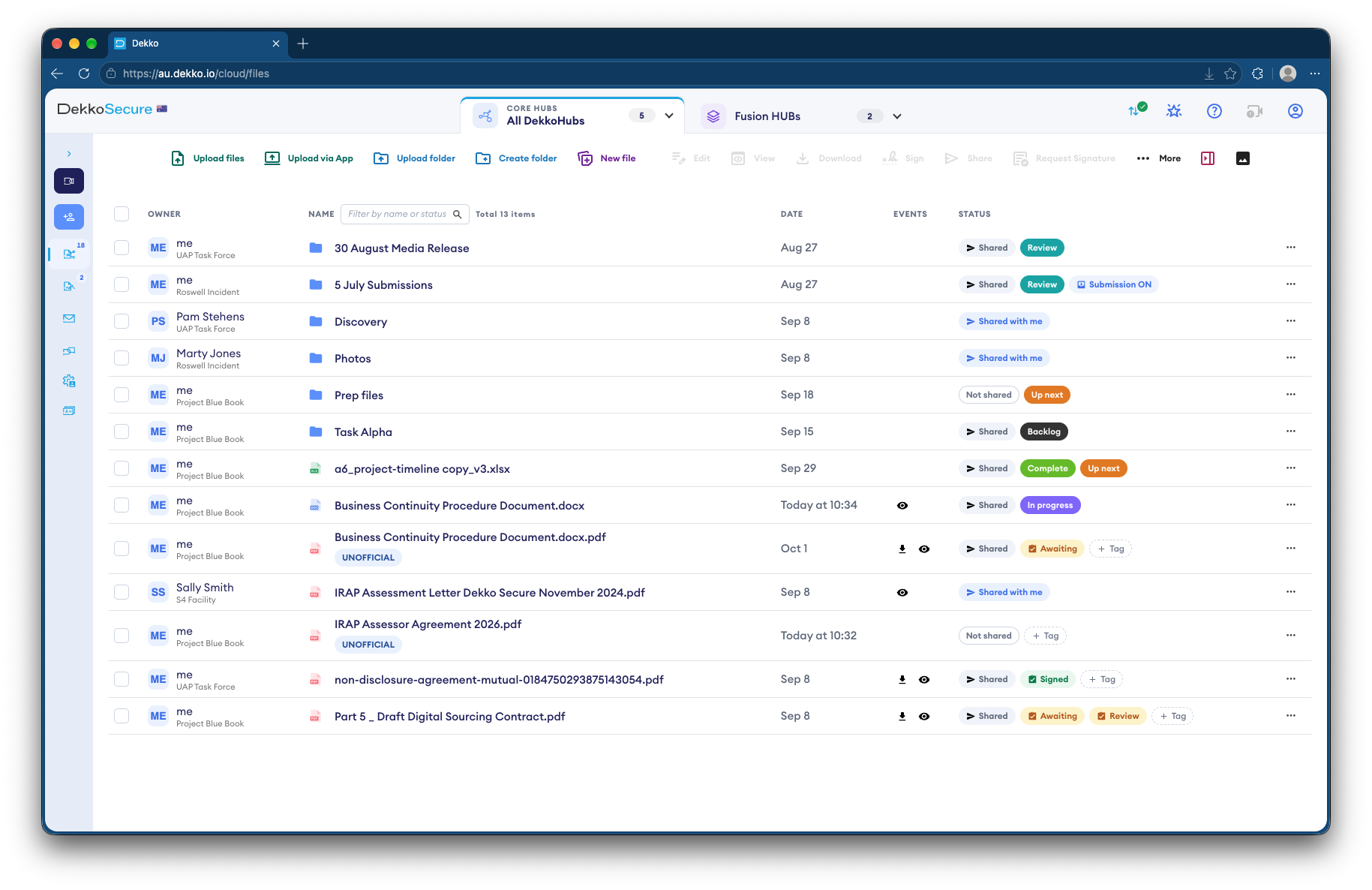
- Candidate uploads
- Through a link for each candidate.
- Panel review
- View only, for the panel.
- After the decision
- Records set to expire.
- Proof
- Who viewed each document.
Why screening documents pile up
Recruiters collect passports, licenses, police checks and transcripts, often for candidates who won't be hired, and keep them longer than they need to.
Today
- ID documents emailed to recruiters
- Copies forwarded to the panel
- Documents kept after the role is filled
- No record of who looked
With DekkoCORE
- Candidates upload through a link
- The panel reads View only
- Records expire after the decision
- Every view recorded
How it works in DekkoCORE
One role, from shortlist to decision.
Step 1
Open a folder per candidate
Create a folder for each shortlisted candidate.
- Hub folders
Step 2
Send an upload link
Send each candidate a guest link to upload their documents.
- Guest link uploads
Step 3
Share with the panel
Share each candidate's folder with the panel at View only.
- View only
Step 4
Keep the record
Each file lists who viewed it and when.
- File history
Step 5
Expire the records
Set data expiration so documents are removed after your retention period.
- Data Expiration
Who gets what access
A typical role. You can change or remove anyone's access at any time.
Recruitment team
Full permissions
Runs screening for the role.
Hiring manager
View only
Checks the preferred candidate.
Panel members
View only
Review shortlisted candidates.
Candidate
Guest link with uploads
Uploads their own documents.
The bars show a permission level, from Listing only (one bar) to Full permissions (seven).
Questions
Do candidates need an account?
No. A guest link lets them upload without one.
How secure is a candidate's link?
Anyone holding a guest link can use it, so send it only to the candidate. Guest links last up to a month.
Can panel members download documents?
Not with View only. They read the documents in the browser.
How long are documents kept?
Remove an unsuccessful candidate's folder once the decision is made, and set data expiration as a backstop. Data expiration applies across your whole tenancy.
Where are documents stored?
DekkoCORE is hosted in-country, in Australia, the United States or Canada.
Screening candidates?
Tell us how candidates send their documents today. We'll show you the same process in DekkoCORE.