

Vetting providers · Sponsoring employers · Applicants
Collect vetting documents and answers that only the people handling them can read.
Vetting providers and sponsoring employers collect supporting documents and answers on forms each applicant signs. DekkoSecure has no way to read form answers, and access is by invitation, with passkeys at sign-in.
- Signed answers
- Each answer signed by the applicant.
- Unreadable to us
- DekkoSecure can't read form answers.
- Invite only
- Only invited people can join.
- Passkeys
- Required at sign-in.
Why vetting information needs care
Clearance applications gather some of the most personal information there is, such as finances, relationships, health and travel, and it's a target for anyone wanting leverage over cleared staff.
Today
- Supporting documents emailed to sponsors
- Answers kept in spreadsheets
- Shared logins and passwords
- No proof of who gave an answer
With DekkoCORE
- Answers on forms the applicant signs
- No way for DekkoSecure to read answers
- Invite-only access
- Passkeys required at sign-in
How it works in DekkoCORE
One applicant, from invitation to a complete set of supporting documents.
Step 1
Invite the applicant
Invite the applicant by email. Only invited people can join.
- Invite-only onboarding
Step 2
Require passkeys
Require passkeys at sign-in for applicants and staff.
- Passkeys
Step 3
Send the forms
Applicants answer forms for the supporting information, and sign each answer.
- Forms
Step 4
Collect documents
Applicants upload supporting documents to their own folder.
- Download + Upload
Step 5
Keep the record
The audit log shows who viewed each document and when.
- Audit log
Who gets what access
A typical applicant. You can change or remove anyone's access at any time.
Vetting provider
Full permissions
Handles the applicant's information.
Sponsor's security officer
View only
Sees what the provider shares.
Applicant
Download + Upload, own folder
Answers forms and uploads documents.
Everyone else
Not shared
Can't see the applicant's folder.
The bars show a permission level, from Listing only (one bar) to Full permissions (seven).
Questions
Can DekkoSecure read the form answers?
No. Form answers are encrypted and signed on the applicant's device, and DekkoSecure has no way to view them.
Does this replace the government's vetting system?
No. It's for the supporting documents and information that pass between applicants, sponsors and vetting providers.
Do applicants need an account?
Yes. Forms go to registered users, and access is by invitation only.
Can we require hardware security keys?
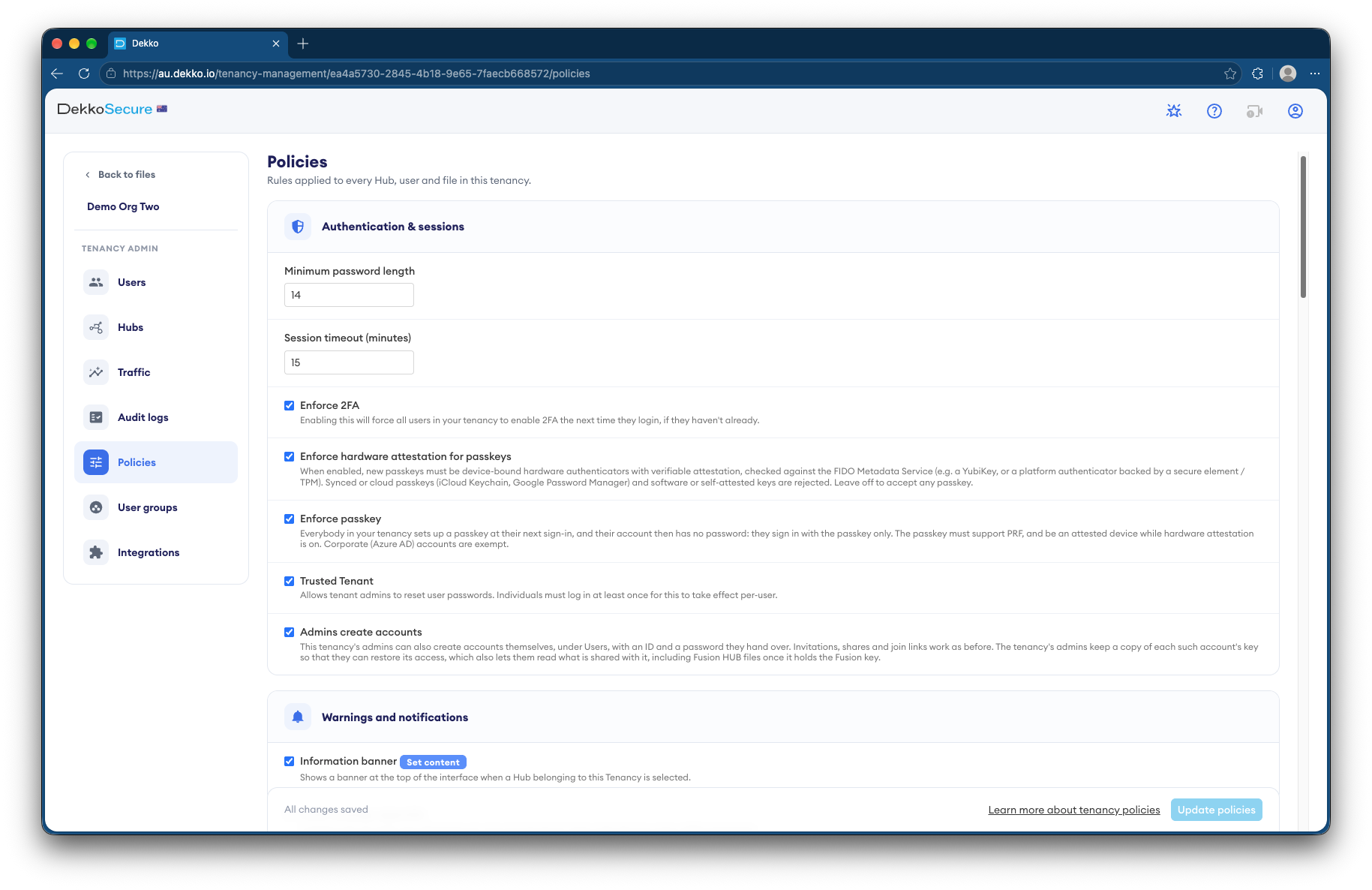
Yes. Your tenancy can require passkeys and check that each one comes from a hardware security key.
Where is the information stored?
DekkoCORE is hosted in-country, in Australia, the United States or Canada.
Handling vetting documents?
Tell us how vetting information moves today. We'll show you the same process in DekkoCORE.