

Reinsurance brokers · Cedants · Reinsurers
Send exposure data to each reinsurer separately, and close access when the placement does.
Brokers give each reinsurer its own folder for exposure data and loss histories, co-edit and sign the slip in the browser, and end every reinsurer's access when the placement closes.
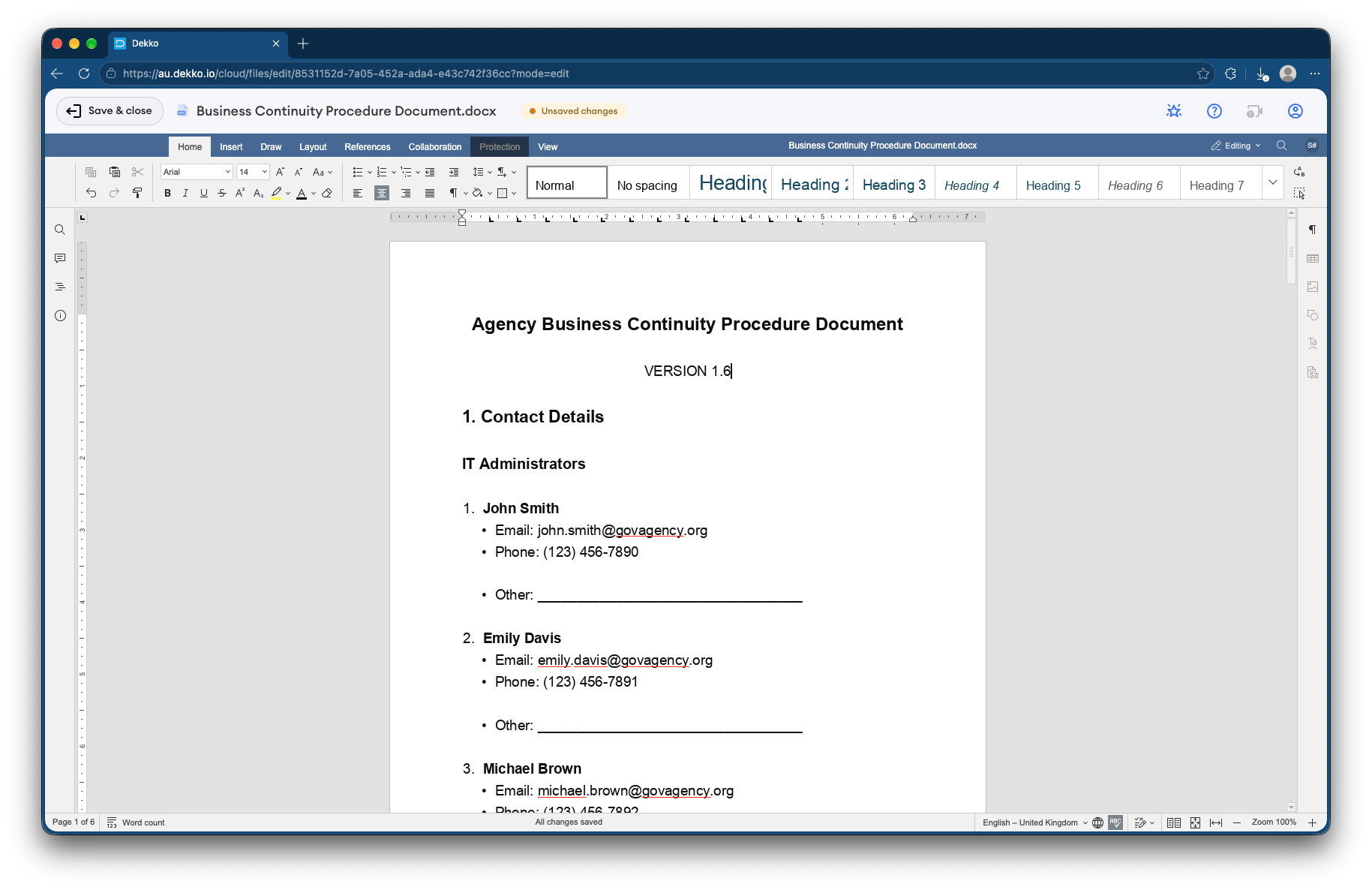
- Per-reinsurer folders
- Each reinsurer sees only its own.
- The slip
- Co-edited and signed in the browser.
- Placement close
- Access ends when it does.
- Proof
- Who viewed what, and when.
Why placement data leaks
A placement sends a cedant's exposure data and loss history to several reinsurers at once, each of whom should see only what's offered to them.
Today
- Exposure data emailed to each market
- One wrong recipient exposes another's terms
- Slips revised as attachments
- Data kept by markets that declined
With DekkoCORE
- Each reinsurer has its own folder
- The slip co-edited in one document
- Signed in the browser
- Access ends when the placement closes
How it works in DekkoCORE
One placement, from submission to a signed slip.
Step 1
Set up the placement
Create a Hub for the placement with a folder for each reinsurer.
- Hubs
- Hub folders
Step 2
Share the submission
Put exposure data and loss histories in each reinsurer's folder, at Download or View only.
- Download
- View only
Step 3
Work on the slip
Co-edit the slip with the leading reinsurer in the browser.
- Document editor
Step 4
Sign the slip
Request signatures from each reinsurer's authorized underwriter.
- Request signature
Step 5
Close the placement
Access ends on the date the placement closes.
- Access expiry
Who gets what access
A typical placement. You can change or remove anyone's access at any time.
Broker
Full permissions
Runs the placement.
Cedant
View only
Sees the submission and the slip.
Each reinsurer's underwriters
Download, own folder, until close
Assess the risk offered to them.
Markets that decline
Not shared after declining
Access removed straight away.
The bars show a permission level, from Listing only (one bar) to Full permissions (seven).
Questions
Can one reinsurer see another's terms?
No. Each reinsurer's folder is shared only with that reinsurer's underwriters.
Can we end access for markets that decline?
Yes. Remove their access at any time, or let it end when the placement closes.
Are signatures on the slip certificate-based digital signatures?
No. A signature in DekkoCORE is a signature mark applied to the PDF, with the signing recorded against the file.
Is this like a deal room?
Yes. It works the same way as a bank deal room, with reinsurers in place of bidders.
Where is the data stored?
DekkoCORE is hosted in-country, in Australia, the United States or Canada.
Running reinsurance placements?
Tell us how submissions reach your markets today. We'll show you the same placement in DekkoCORE.